Roles
Deze inhoud is nog niet vertaald.
Everyone has one role per organisation. Each role can do what the roles above it can, and more.
| Role | Can |
|---|---|
| Reader | Read the KPIs and the models, and ask the analyst |
| Contributor | Also edit KPIs, notes and descriptions |
| Owner | Also manage connections, models, people and AI |
| Admin | Also add organisations, manage owners and app accounts, and allow queries through the API |
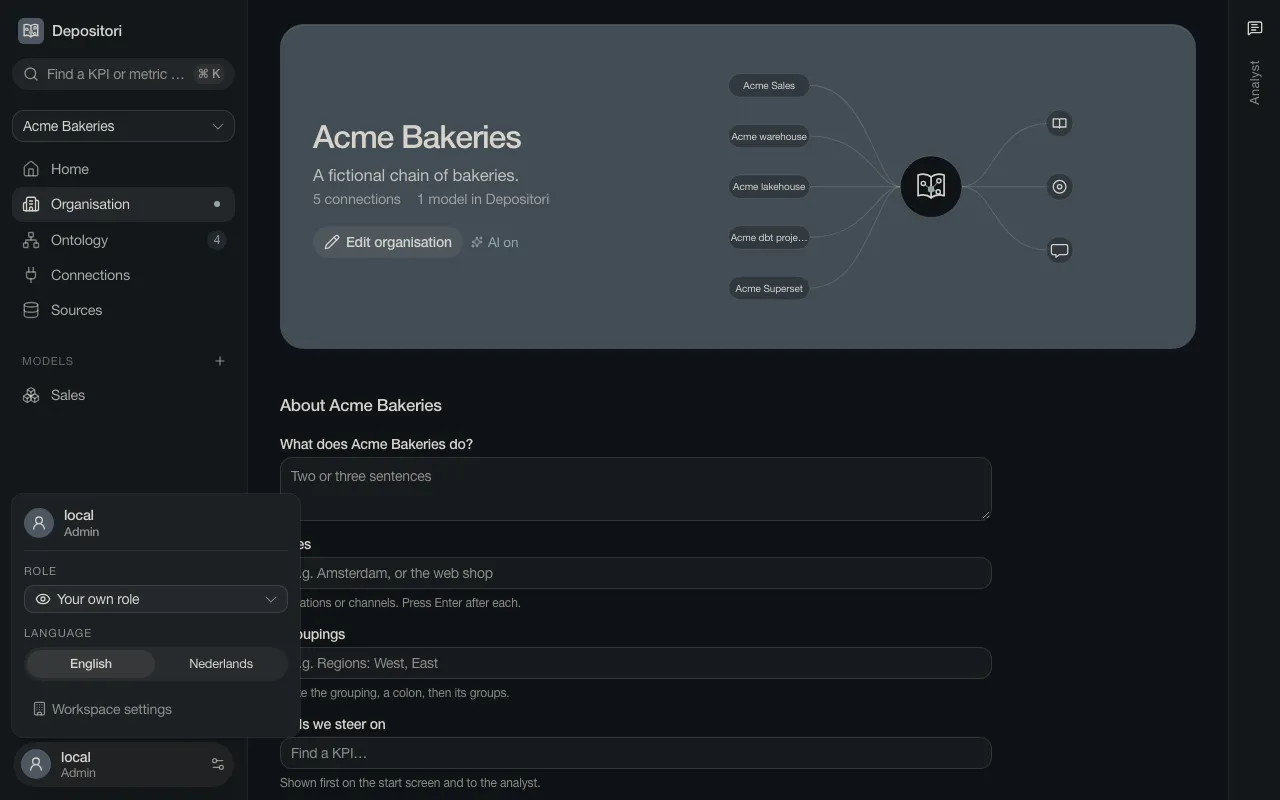
Your own role is under your name at the bottom left.
Add a person
Section titled “Add a person”You need the Owner role.
- Open Organisation and find People.
- Choose Add a person.
- Type the email address they sign in with, pick a Role and choose Add.
- Send them the address of your Depositori. Copy invite text gives you a message to send.
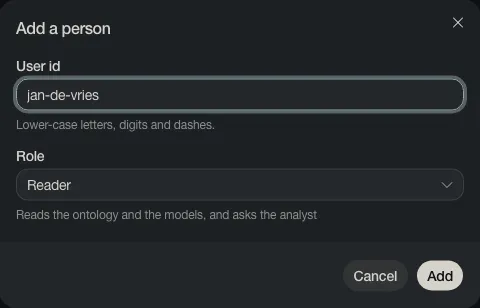
On a trial setup without sign-in, the dialog asks for a user id instead of an email address, as in the picture.
They have the role from their first sign-in. Change it later in the list, or remove the person with the bin.

Owners give the roles Reader and Contributor. Only an Admin makes someone an Owner.
See what someone else sees
Section titled “See what someone else sees”Click your name at the bottom left and pick a role under Role. The app then shows what a person with that role gets. It never gives you more than your own role.