Ask a question
4. Turn on the analyst
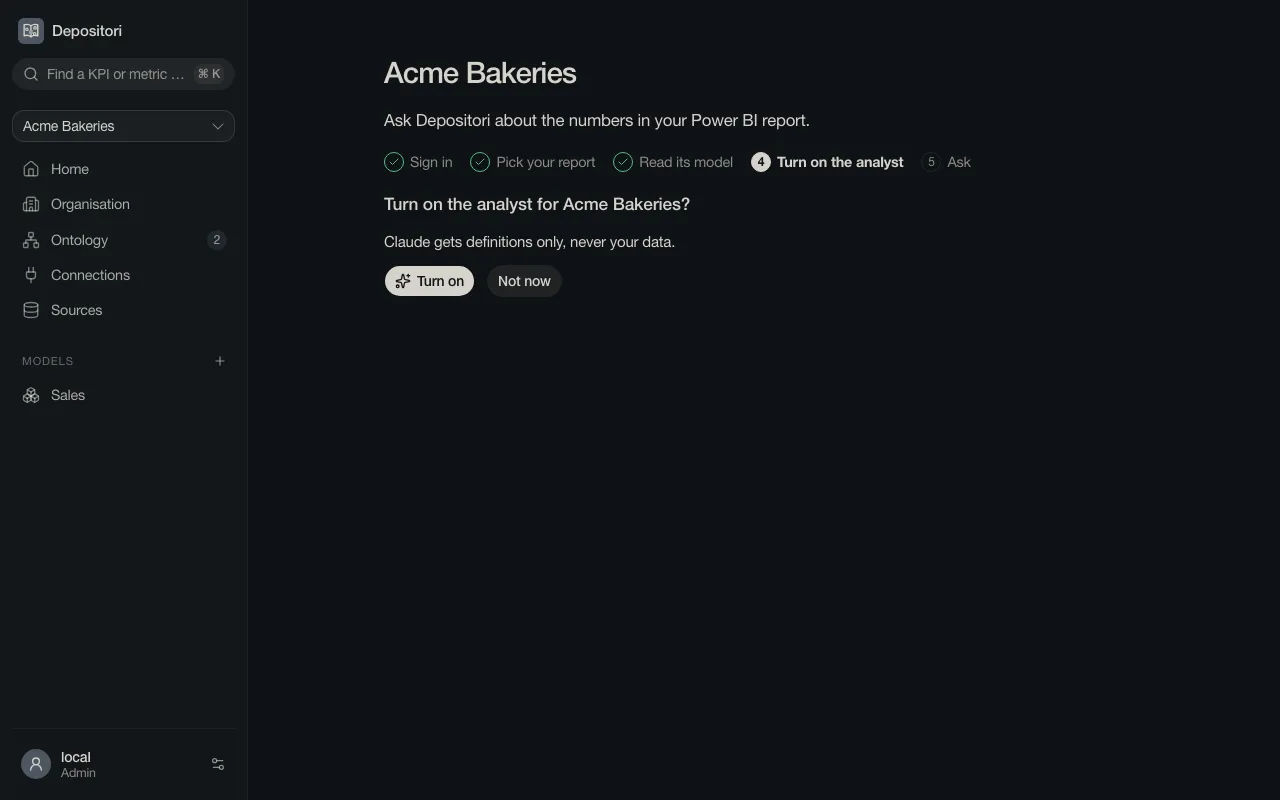
Section titled “4. Turn on the analyst”The analyst is an AI assistant. It is off until an Owner turns it on, because it sends the definitions of your models to the AI provider (Anthropic). Choose Turn on, or Not now to only read the model.
More about what is sent, and when: The analyst and AI.
5. Ask
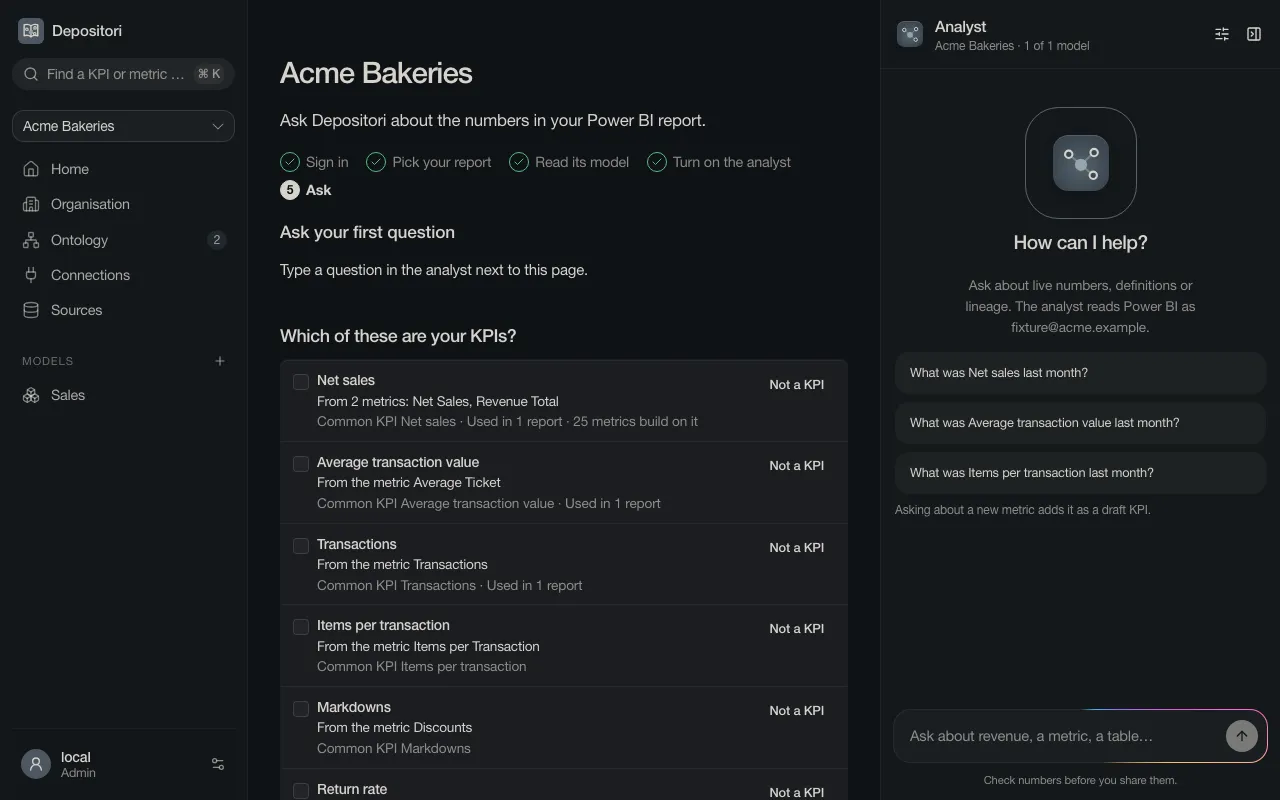
Section titled “5. Ask”The analyst opens at the right. Choose one of the questions it offers, or type your own and press Enter.
The answer shows the steps the analyst took: which metric it looked for, and what it asked Power BI. Click a step to see the details.
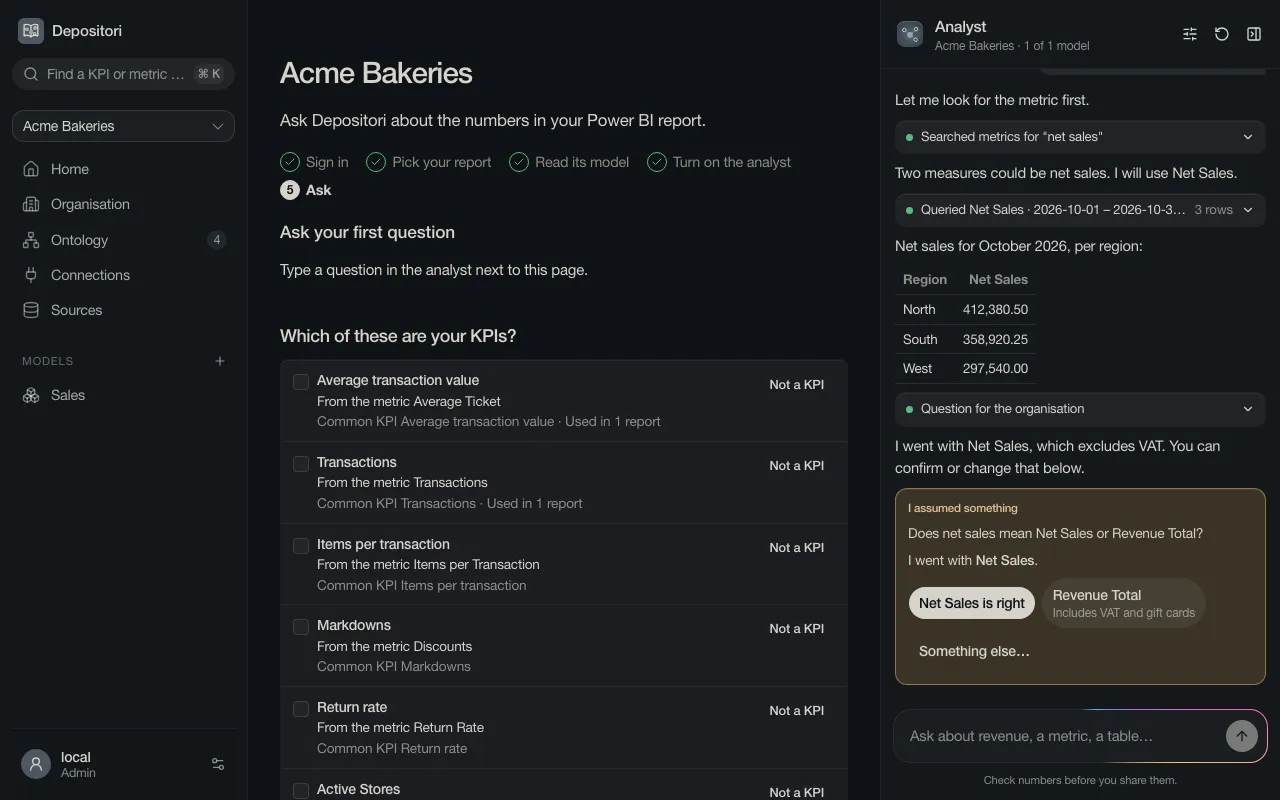
When the analyst had to assume something, it says so under the answer. Confirm it, or pick what is right. Depositori remembers your answer for next time.
Check numbers before you share them.
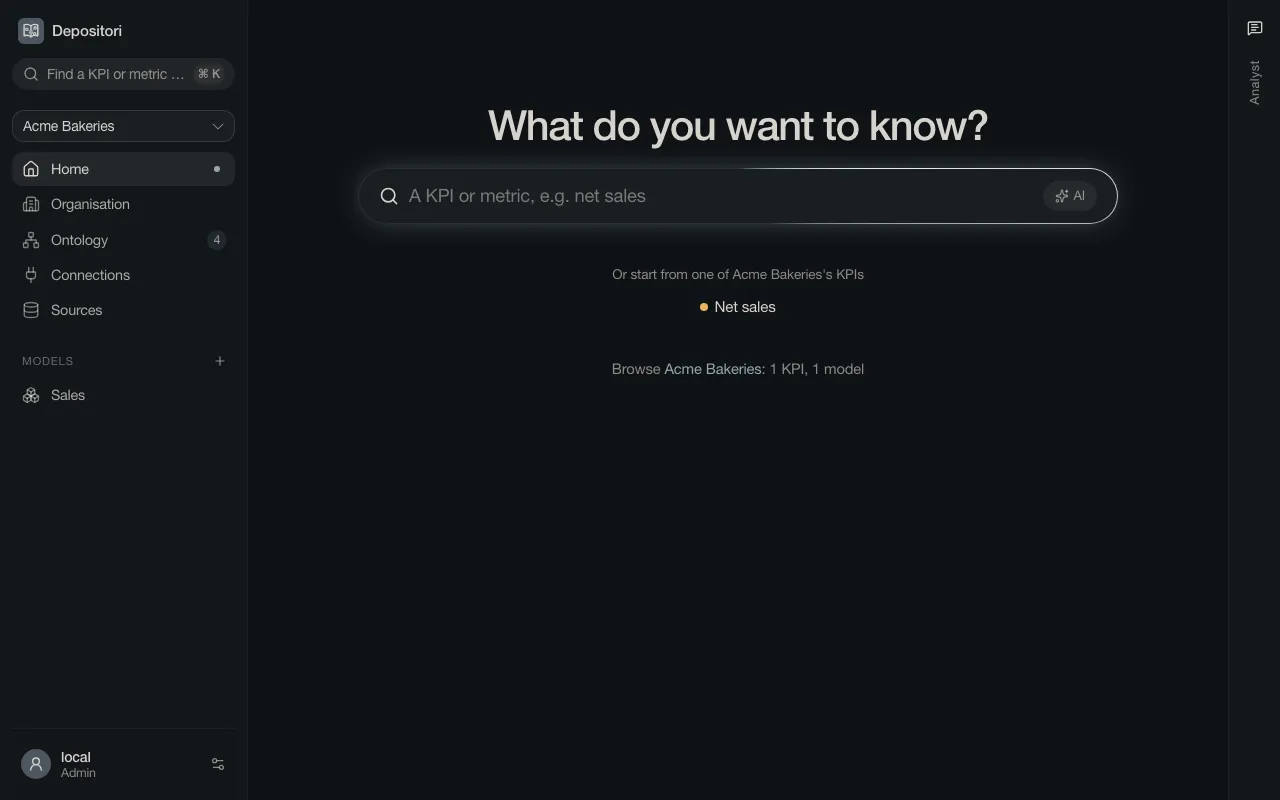
Home is one question box. Type a word from your business, such as “net sales”, to find the KPI or metric, or choose AI to ask the analyst.