Superset
Depositori reads the datasets of Apache Superset: their columns, calculated columns and metrics.
Before you start
Section titled “Before you start”- The Owner role in Depositori.
- The address of your Superset, for example
https://superset.example.com. - A way to sign in. Either your Microsoft account, when your Superset signs in with Microsoft: then you also need
the name of Superset’s API in Microsoft Entra (
api://…), from your IT. Or a Superset user or API token, which you store in Depositori.
Add the connection
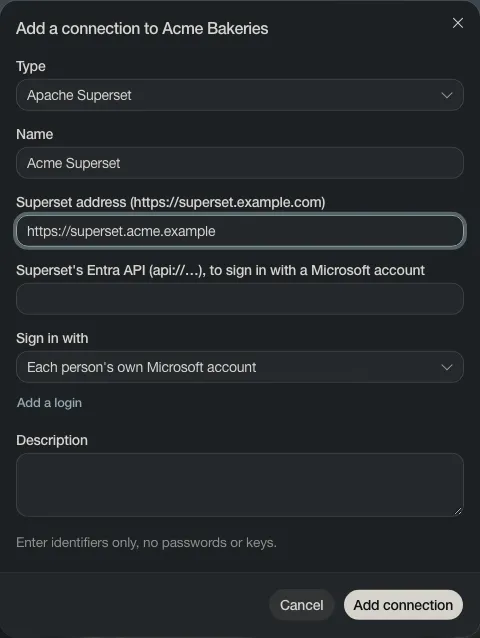
Section titled “Add the connection”- Open Connections and choose Add connection.
- Set Type to Apache Superset, give it a Name and fill in the Superset address.
- Fill in Superset’s Entra API when you sign in with Microsoft, or choose Add a login.
- Choose Add connection.
Read its datasets
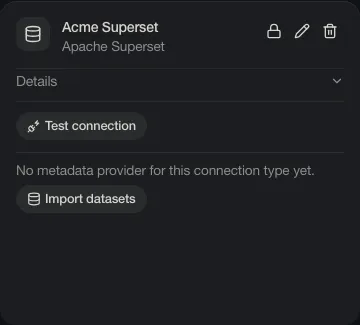
Section titled “Read its datasets”On the connection’s card, choose Import datasets. Depositori reads every dataset your login can see into one model.