Sign in
- Open the address of your Depositori. You get it from the person who invited you.
- Sign in with the email address you were invited with. If your company set up its own sign-in, you are sent to your company’s sign-in page.
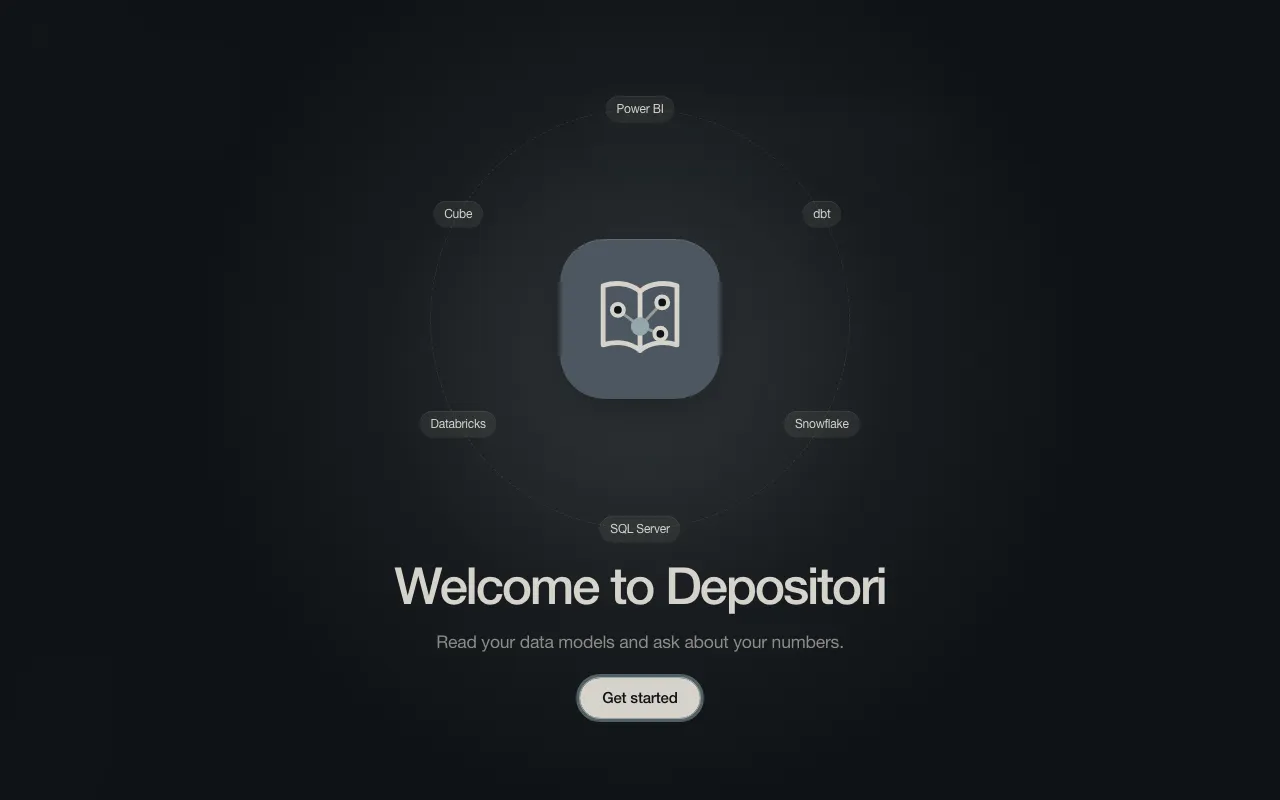
- The first time, a welcome screen appears. Choose Get started.
You only get in when someone invited you, or when you signed in before. Ask an owner of your organisation to add you.
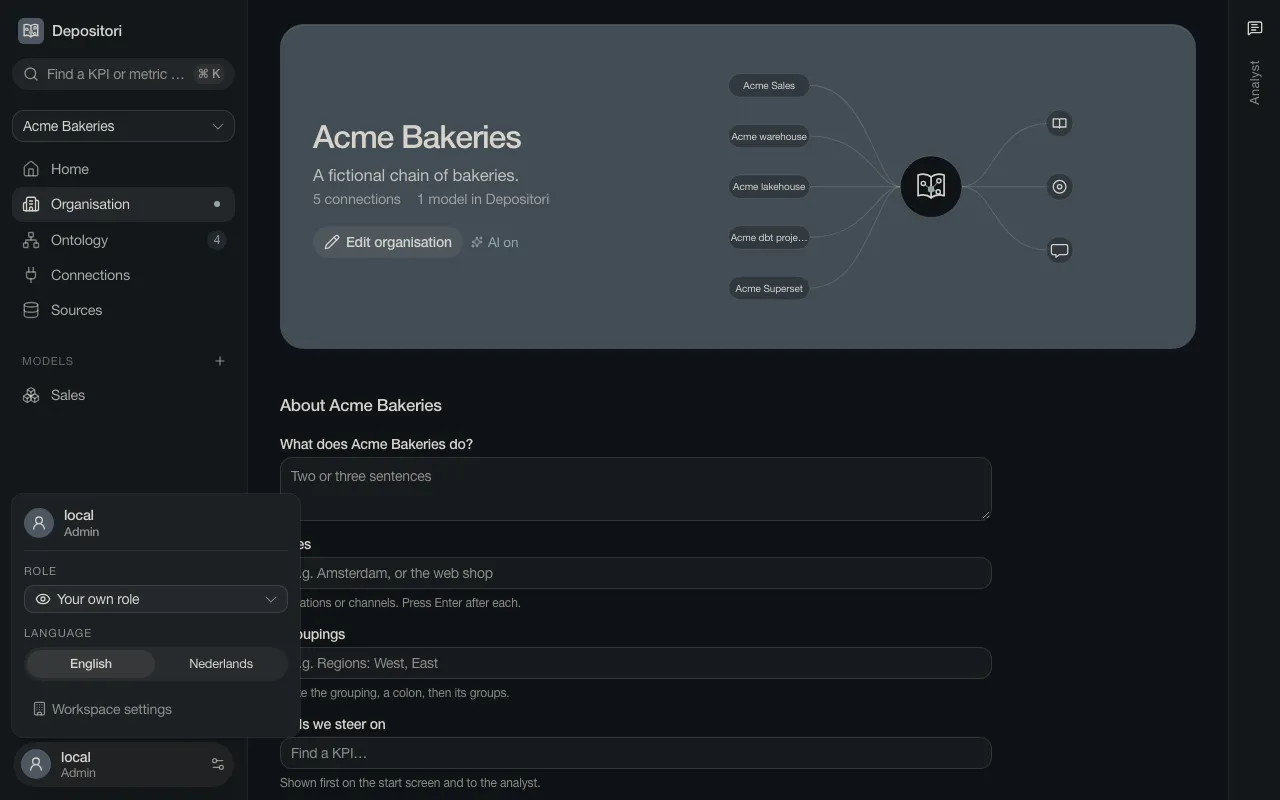
Your account
Section titled “Your account”Your name and role are at the bottom left. Click them to change the language (English or Nederlands), to see the app as someone with a lower role, or to sign out.