
Connect a source
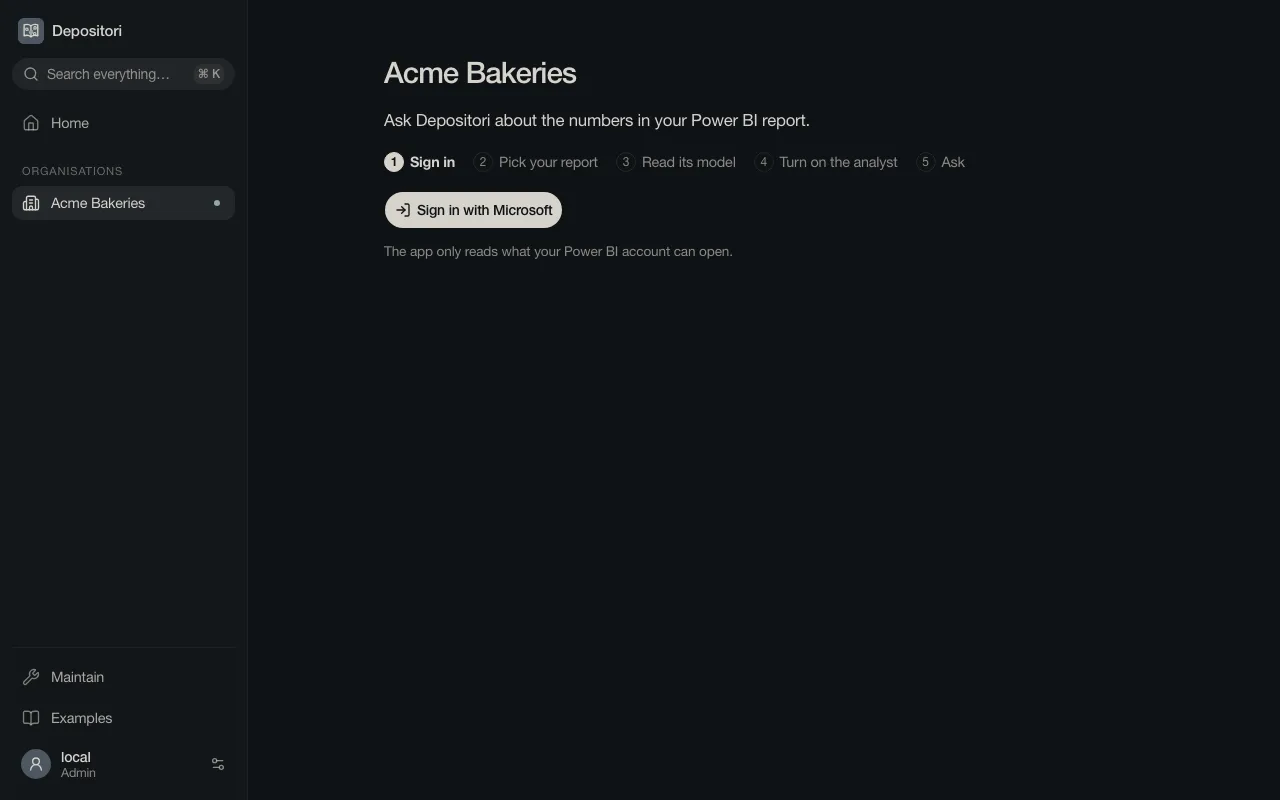
A new organisation opens on a guided start of five steps. It connects Power BI. For another source, see Sources.
You need the Owner role, and a Microsoft account that can open the report in Power BI.
1. Sign in
Section titled “1. Sign in”Choose Sign in with Microsoft and sign in with the account you use for Power BI. Depositori reads only what that account can open.
2. Pick your report
Section titled “2. Pick your report”Depositori lists the reports you can open, per workspace. Choose the report you use. You can search by name.
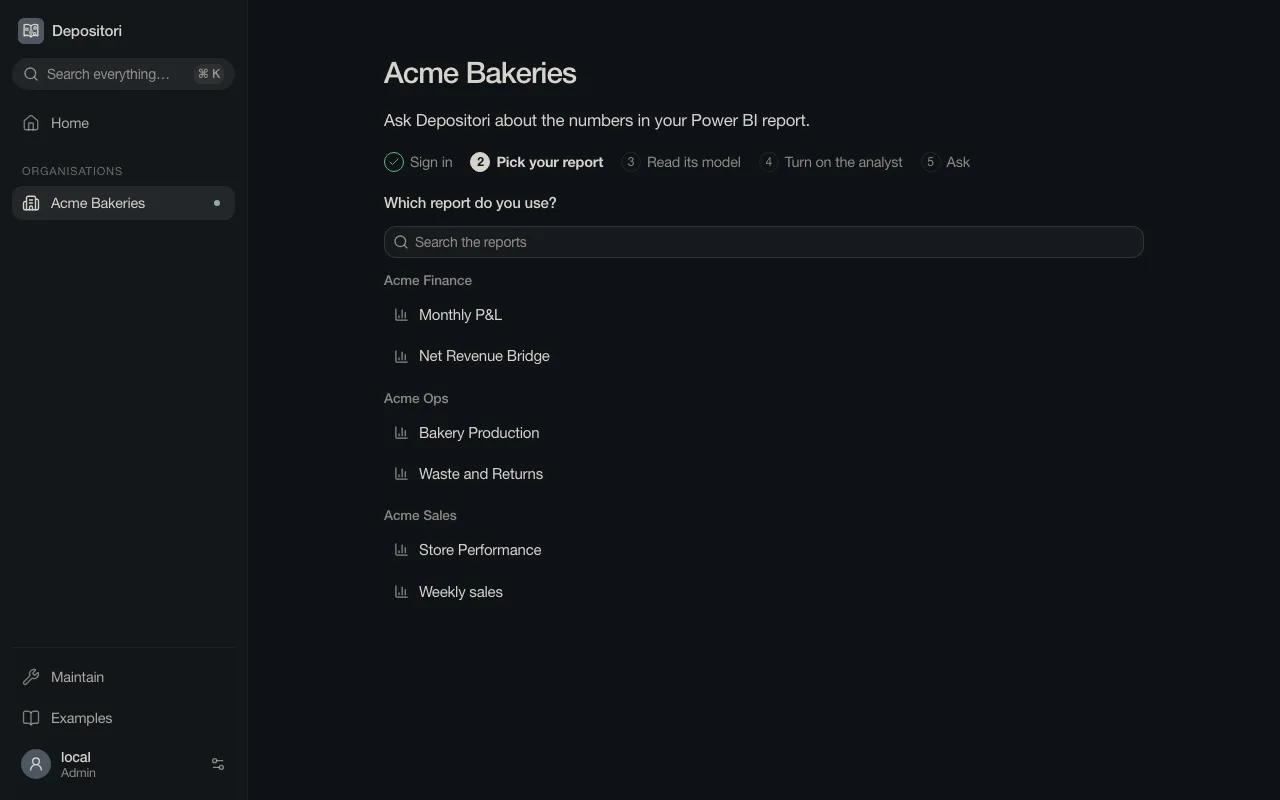
You don’t have to know which model the report uses. Depositori finds it, and shows the other reports built on the same model.
Go on with Read a model.