
Read a model
3. Read its model
Section titled “3. Read its model”After you picked a report, choose Read this model. Depositori reads the tables, relationships and metrics of the model. It reads definitions, not the rows.
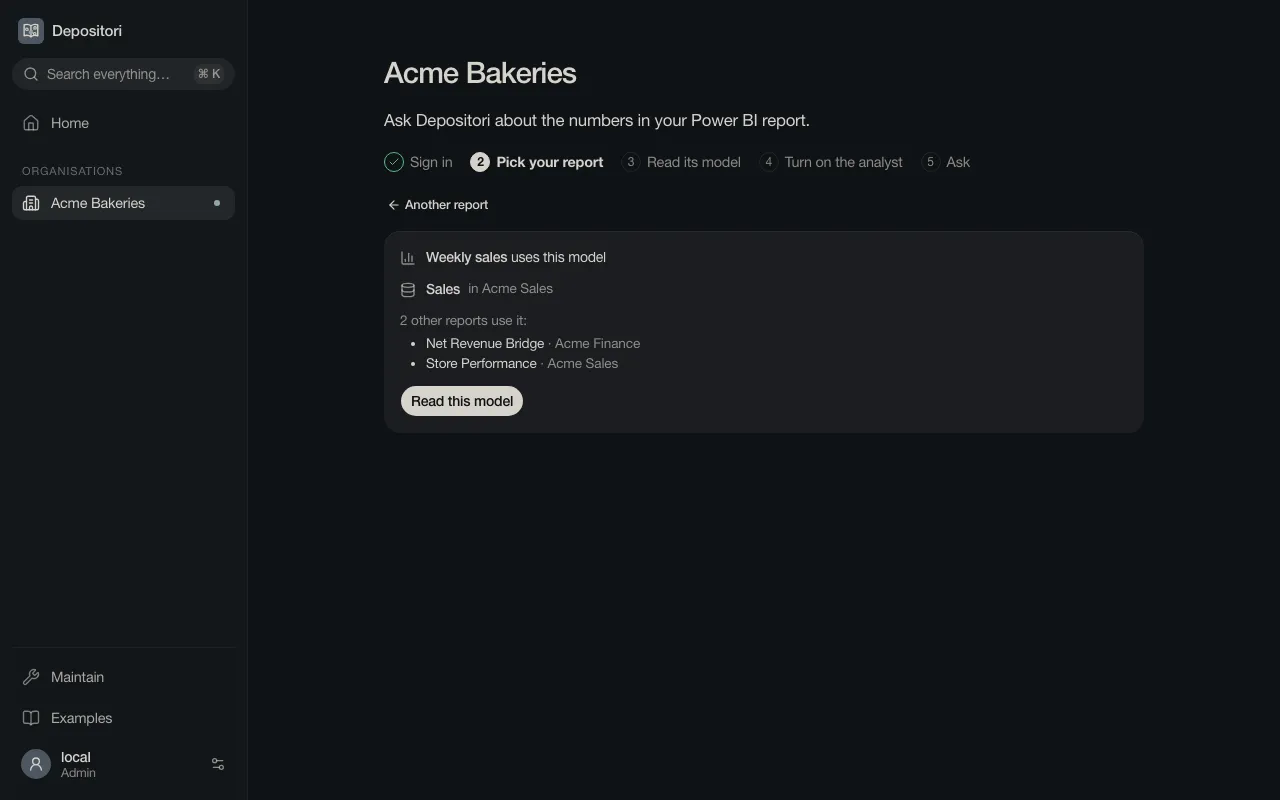
A large model takes a minute. You can leave the page; the read goes on.
What you get
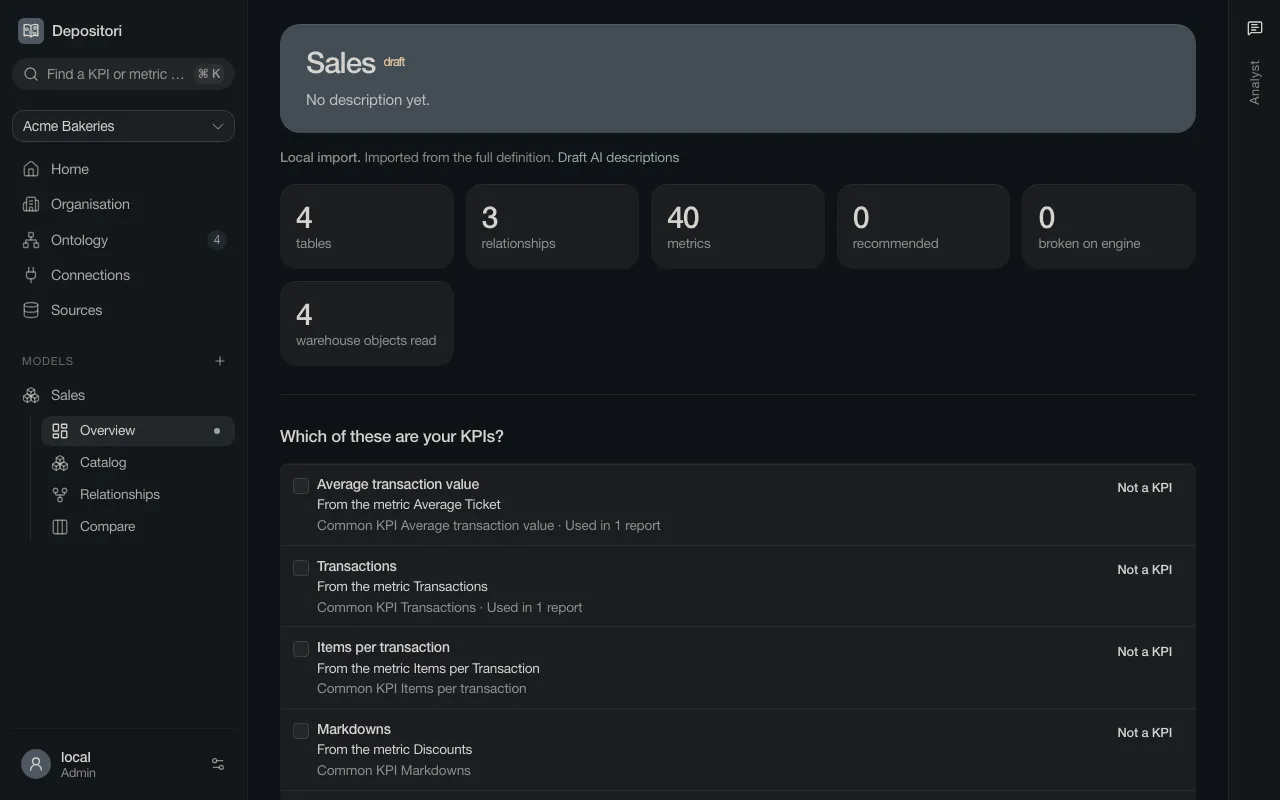
Section titled “What you get”The model appears under Models at the left. It has four pages.
Overview shows what the model holds and which sources it reads.
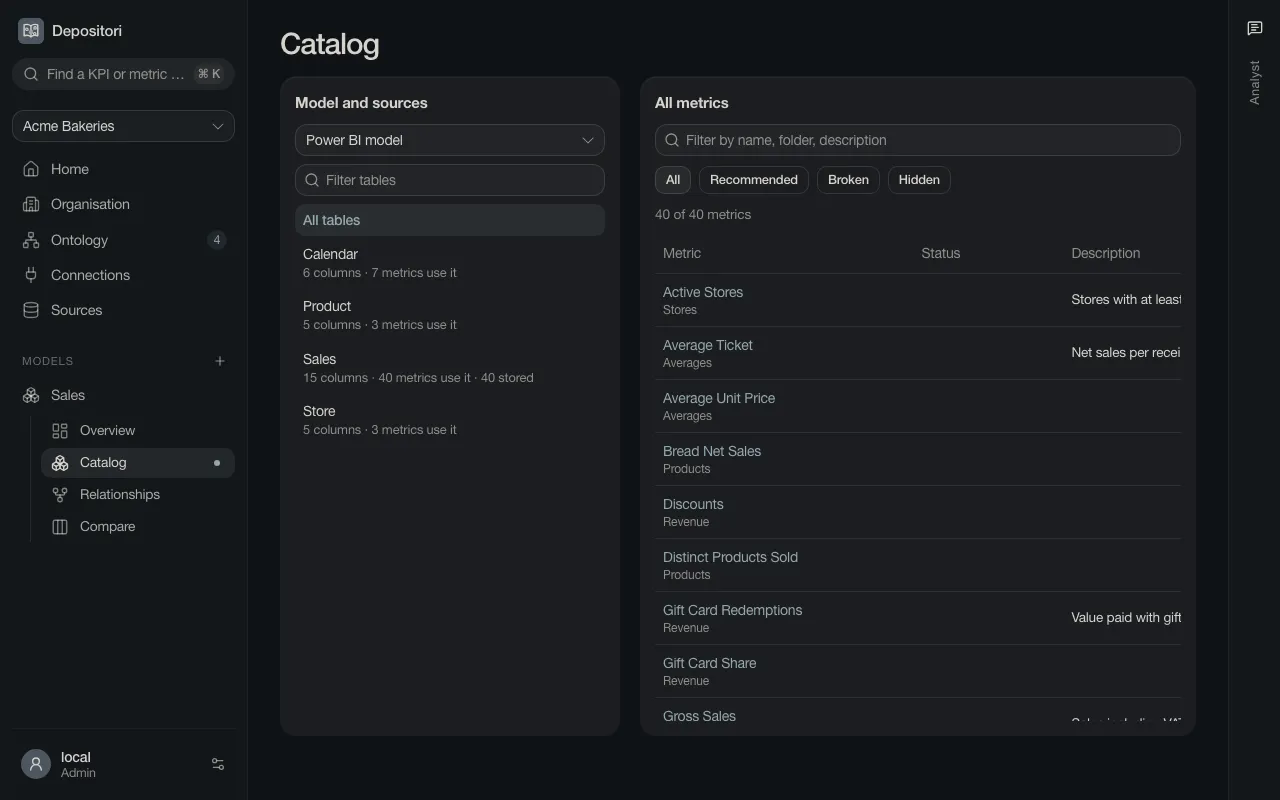
Catalog lists every table and metric. Type in the filter to find one.
Open a metric to see its formula and its lineage: the columns and tables the number comes from.
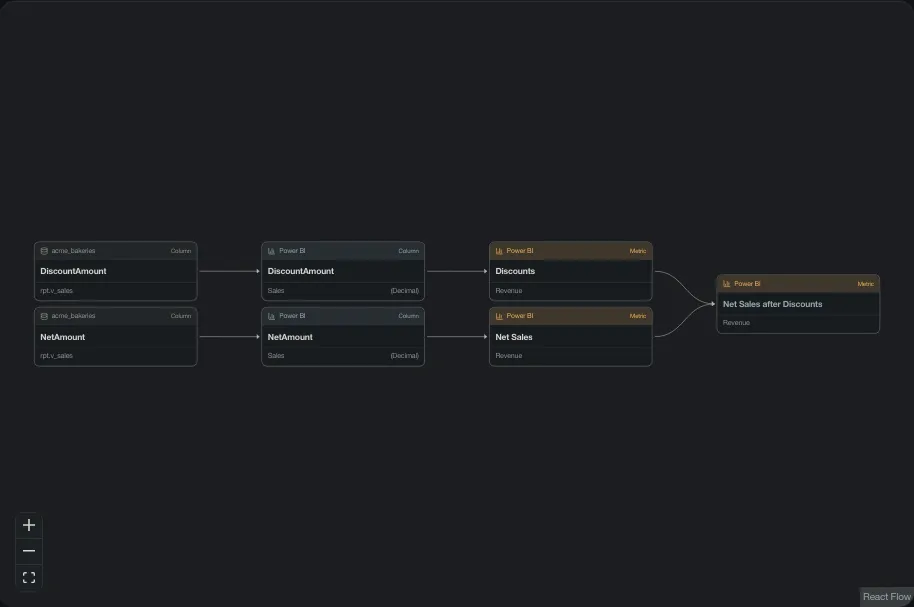
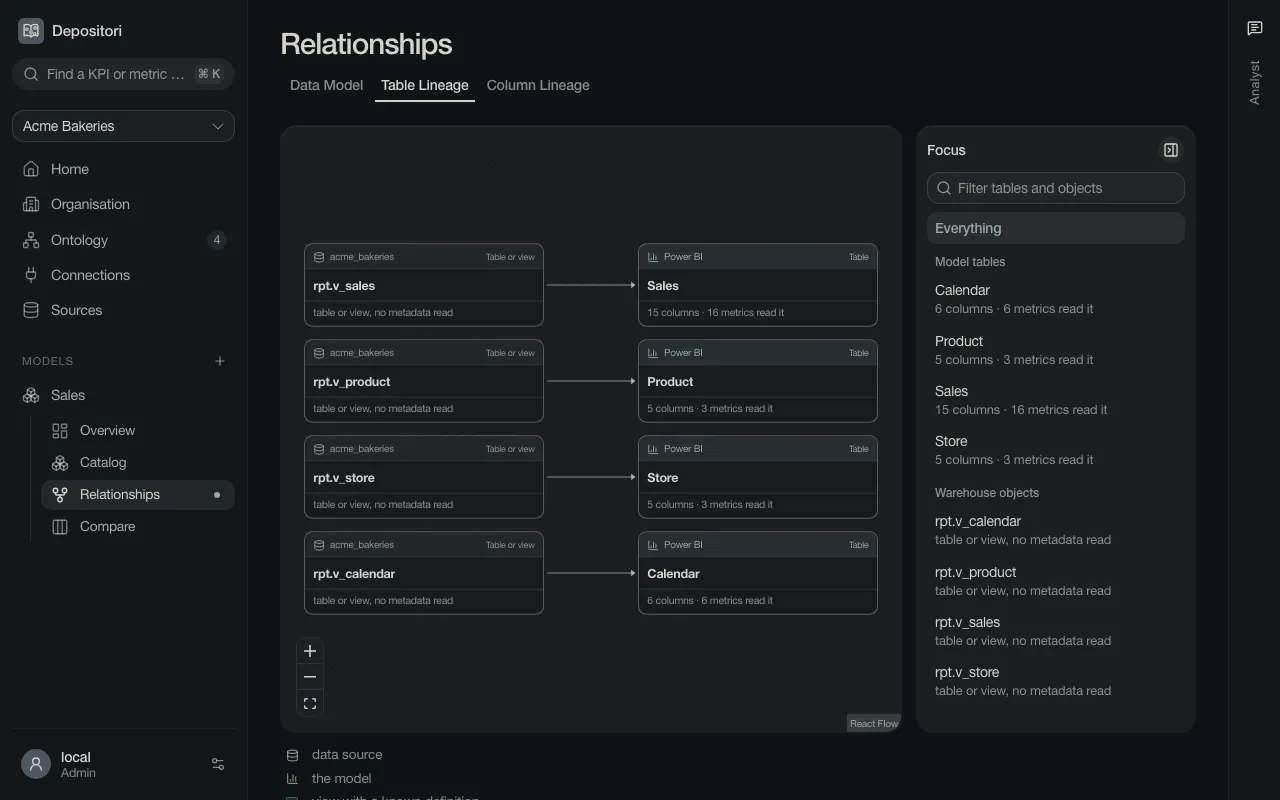
Relationships draws the tables and how they are linked. Its tabs Table Lineage and Column Lineage show where each table and column comes from.
Compare lines the model up with other formats. Most readers don’t need it.
Go on with Ask a question.